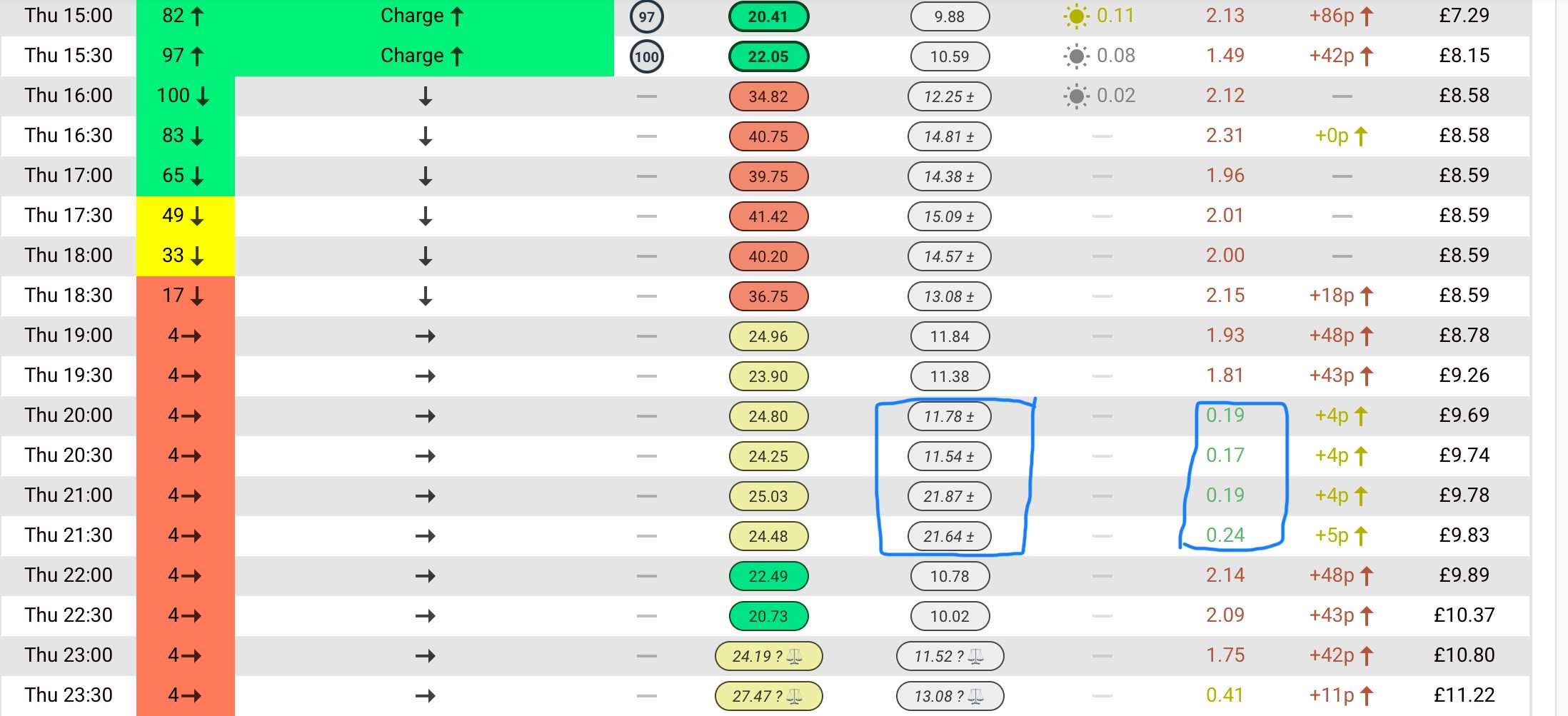
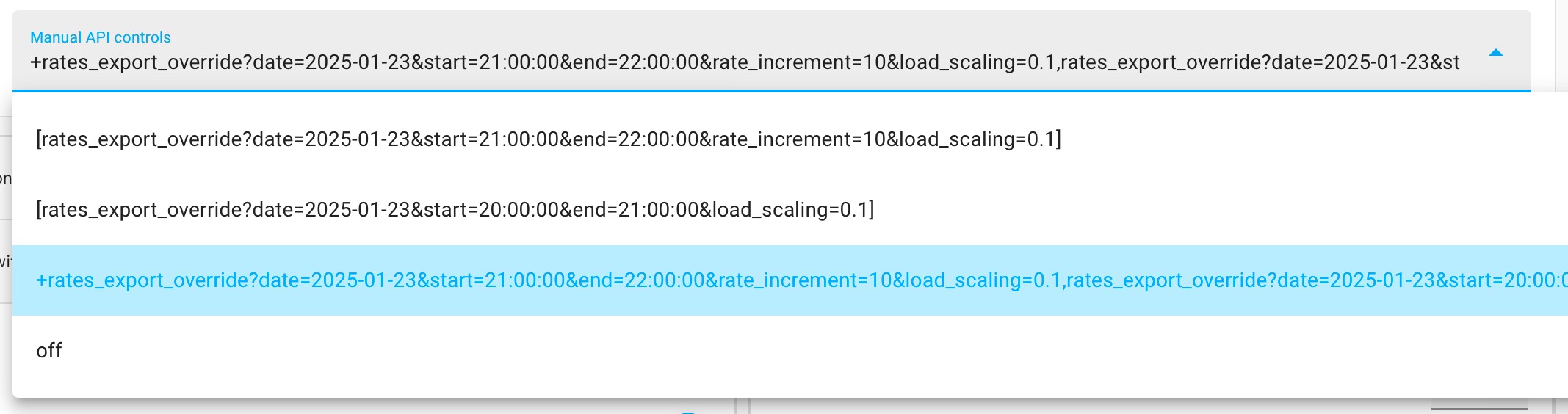
I knocked up this quick solution tonight to automate saving sessions into Predbat as it appears that the Octopus saving session sensor that was being used last year doesn't appear to be populated for the saving sessions this year.
It heavily borrows/reuses the solution I put together for Free Electricity/Power Up events https://community.givenergy.cloud/d/3968-automating-octopus-power-up-events-into-predbat/56
The parts are as follows:
- Control variables:
Create a date/time helper called octopus_saving_session_date of type date, another called octopus_saving_session_start_time of type time, and a third called octopus_saving_session_end_time also of type time.
Create an input number helper called octopus_saving_session_amount. I made it an input field and with a maximum value of 400 (I wish)
These will hold the date, start time, end time and saving session amount for the event. These are all in the notification email from Octopus
- Script:
Create a script to send the event details to Predbat:
alias: Send Saving Session event to Predbat manual API
sequence:
  - action: select.select_option
    data:
      option: >-
        rates_export_override?date={{
        states('input_datetime.octopus_saving_session_date')| as_timestamp |
        timestamp_custom('%Y-%m-%d') }}&start={{
        states('input_datetime.octopus_saving_session_start_time')
        }}&end={{
        states('input_datetime.octopus_saving_session_end_time')
        }}&rate_increment={{
        states('input_number.octopus_saving_session_amount')|int
        }}&load_scaling={{
        states('input_number.predbat_load_scaling_saving')|float }}
    target:
      entity_id: select.predbat_manual_api
mode: single
description: ""
The script collects the above input variables and the existing Predbat saving session load scaling factor, and sends these to Predbat as an export rate override.
- Dashboard:
Either on the existing Power Up dashboard, or on a new one, create a control of type entities and paste the following in:
type: entities
entities:
  - entity: input_datetime.octopus_saving_session_date
  - entity: input_datetime.octopus_saving_session_start_time
  - entity: input_datetime.octopus_saving_session_end_time
  - entity: input_number.octopus_saving_session_amount
  - entity: input_number.predbat_load_scaling_saving
  - type: button
    name: Send Saving Session event to Predbat
    icon: mdi:script-text-play-outline
    action_name: Execute
    tap_action:
      action: perform-action
      perform_action: script.send_saving_session_event_to_predbat_manual_api
In use the dashboard looks like this:
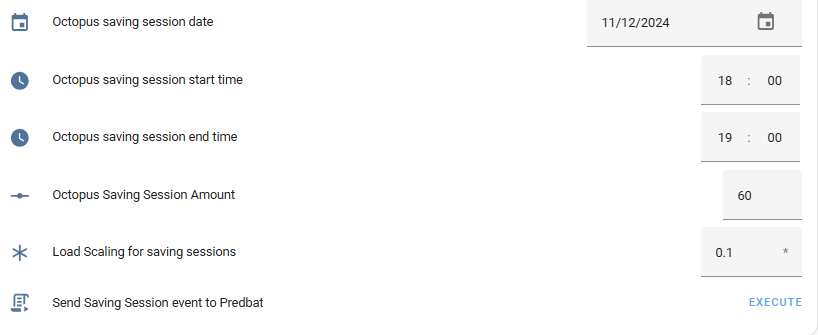
Simply enter the date, times, saving session amount and how much you will reduce your house load during the saving session. In my example, I've said its 10% of my current load.
Then click Execute and it will send the event to predbat and you'll get something like this *: