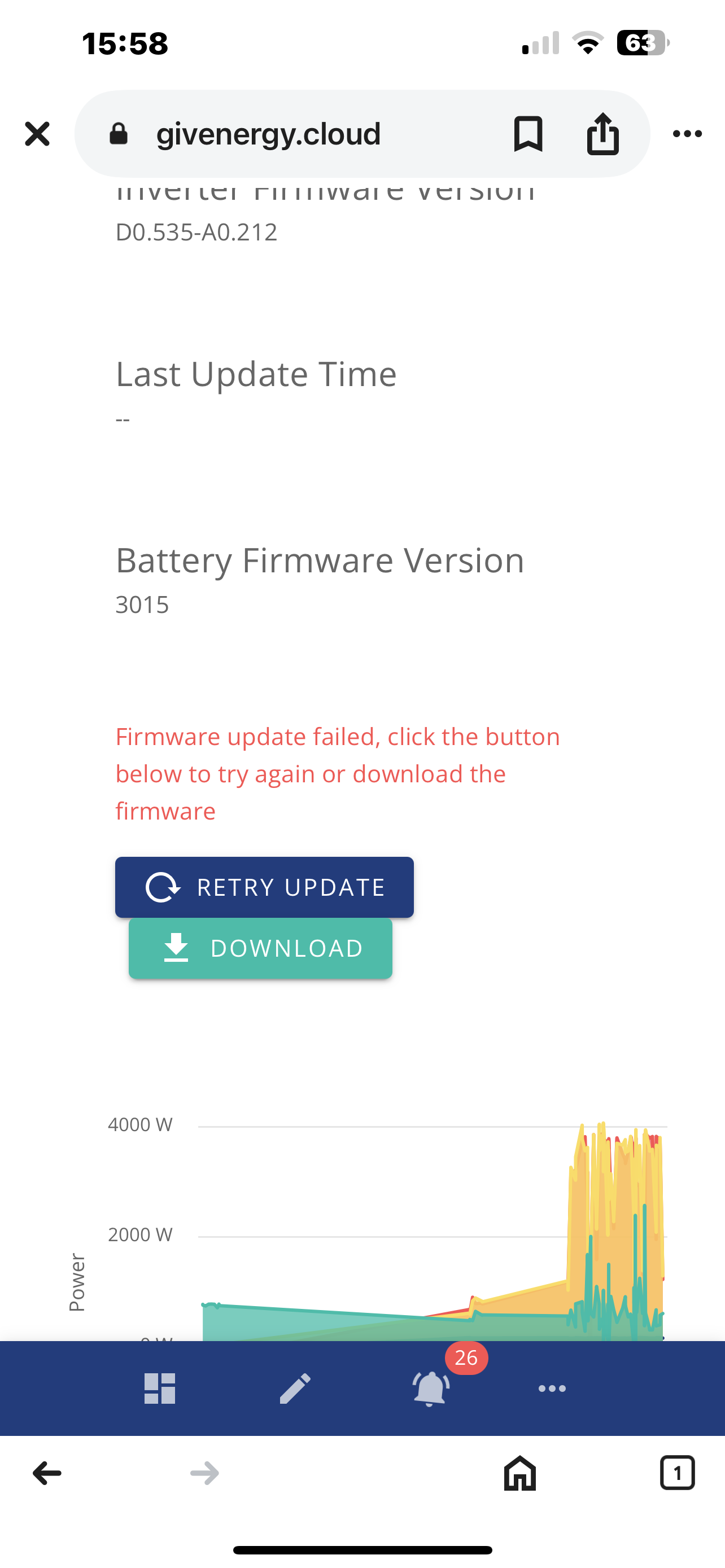
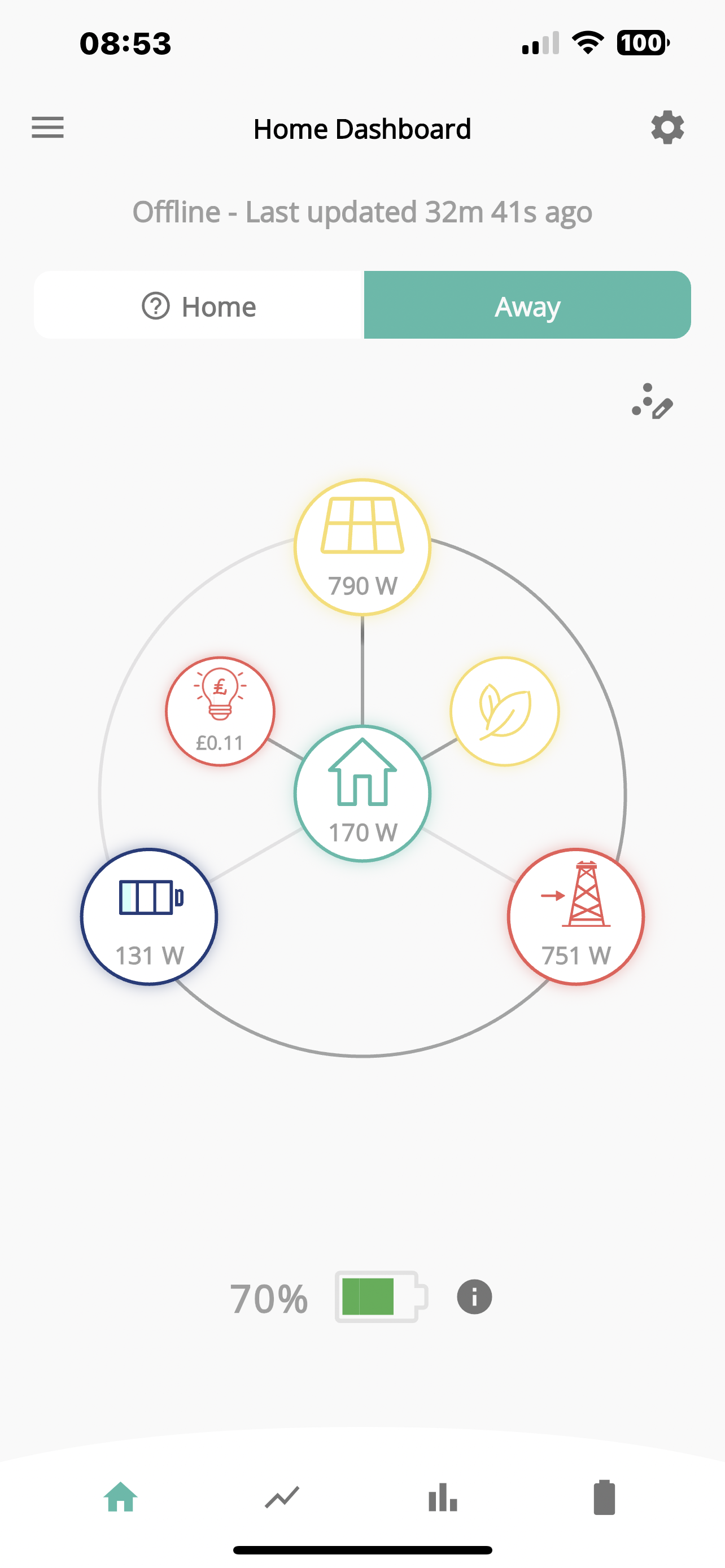
Hi, I’m sorry to bother you but my system is offline since yesterday and some battery updates haven’t worked. It’s goes up 90% and then down. Anyone have any suggestions. Currently system not functioning. Inverters are not able to restart from portal.
Please advise.
Thanks
Jay 

Firmware updates upsetting
Turn all breakers to off.
DC string breakers to inverter
Consumer unit MCB feeding inverter
Battery on/off button - on 9.5 high on RHS - press and hold for about 5 seconds until it beeps and goes off
Breaker between battery and inverter - on 9.5 high on LHS under plastic cover
There is a correct sequence for this somewhere - you may have to search.
All lights on inverter and battery should go out.
Leave about 30 seconds until all power has drained .
Close all breakers and battery and inverter should both reboot
Thank you for your support. Unfortunately after doing manual restarting inverter is not going through.
It’s very frustrating that Givengery portal sent firmware update to make our system unusable.
No clear cut solution for this problem.
Regard
Jay
Hi. Not sure what you mean by "manual restarting inverter is not going through"
Talk to GE helpline tomorrow or download the update file, put it on USB and plug it in
SteveCook
Thank you. Should I download on laptop and then on separate usb devices copy and then plug back right back to Inverter. Is that something you would recommend.
Thanks
Jay
Jayesh
Hi
I have a Gen1 Hy 5.0 & 9.5 battery
I had an update problem 2 years ago.
GivEnergy talked me through taking the battery cover off, removing the USB stick (hardest part was cutting the red glue), copying the necessary files and putting USB stick back in and powering on. It all worked, but since then all updates have worked "over the air".
I think GivEnergy recommend using their shipped USB sticks due to some issues with other makes
I cannot give you any recommendations, as I was talked through and it all worked for fine me, but I really dont know enough to be able to advise you
I have issues with my gen2 inverter and batteries not accepting updates as well and in the past have updated myself. However I am now waiting for GE technical to send someone out to sort it out once and for all. It's dangerous to remove the battery covers as all that voltage/ current (even when off without letting it disapate)
Just keep trying would be my advice - Im not on same battery but on AIO, and Ive had it where its taken over 10 times to get it to stick.
I now have GE support coming out to look at my system and hopefully solve the Inverter ARM and battery upgrade issues on the 2nd June. I'm not holding my breath on this being sorted by one visit.
So GE technical coming out on Monday to look at my system. I'm hoping that it's not just a local upload of the latest battery firmware but finding the reason why the ARM and batteries won't update remotely.
Finally got a visit by GE service to look at why my ARM and battery firmware would not install. He found that the inverter had a corrupt file as well as the batteries that stopped the updates working. Hopefully the next software update will work without intervention.
I find when doing firmware updates that the status monitor progresses nicely until around about 80% when it appears to stall. This is just after the inverter has been reset and the last status message says something about registers being loaded.
In reality, it is not stalled and something is going on but with no status updates. This can go on for about 20 minutes. With me I eventually get a notification on the portal that the firmware has completed successfully. It then sometimes needs a browser refresh for the new firmware versions to show up in the browser.
So far I have not had any firmware update failures.

Ortwin He found that the inverter had a corrupt file
So all he found was a symptom, not the cause. He didn't find the reason the file was corrupted.
He said they were probably caused by multiple tries to download the files and as the ARM was different to the other file it would not accept the battery upgrade. But that's what I was told.