System in 'Passive' or 'Protected' mode?

20 comments started 2026-02-11 last 2026-02-12
GivEnergy Products
I
#1 IanF

My system - Inverter GIV-HY5.0 - Battery 2x9.5KWh
In normal service it will charge with multiple KWh from the grid in an overnight slot then feed back to the home during the day, topped up by some solar.

Since the weekend, the system seems to be in a 'passive' or 'protected' mode, with minimal charging from the grid (0.8KWh in 3 slots) & a similar (minimal) feed back to the home. As there has been some charging I had discounted a physical connection issue.
The inverter settings on the GE app & portal seem OK, & a health check shows no problems.
I downloaded the Rubikcube monitor app. Against 'Grid' this shows 'Outage'. We did have a power blip over the weekend that tripped both halves of my consumer unit. 
Does this imply that the inverter is in some form of 'protected' mode?

Can someone advise how I can reset the system back to normal operation please.
S
#2 SteveCook

Are all breakers in the on position?
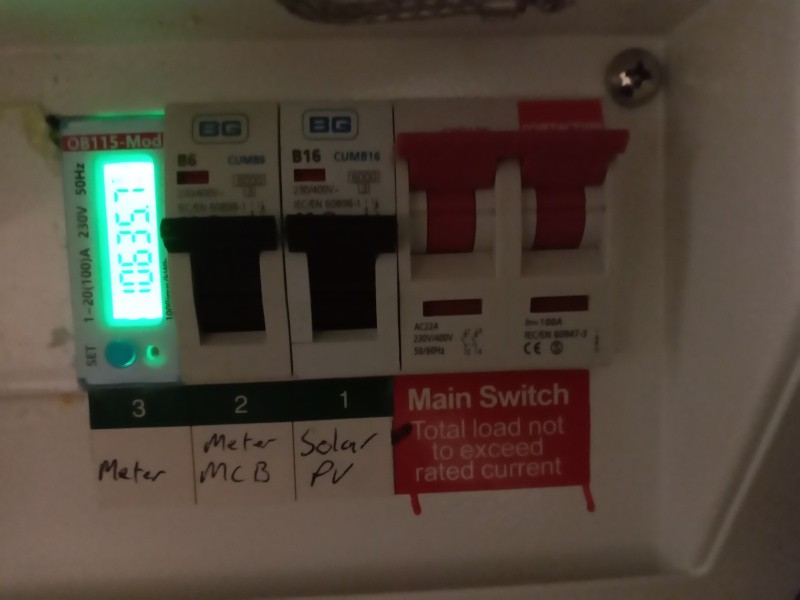
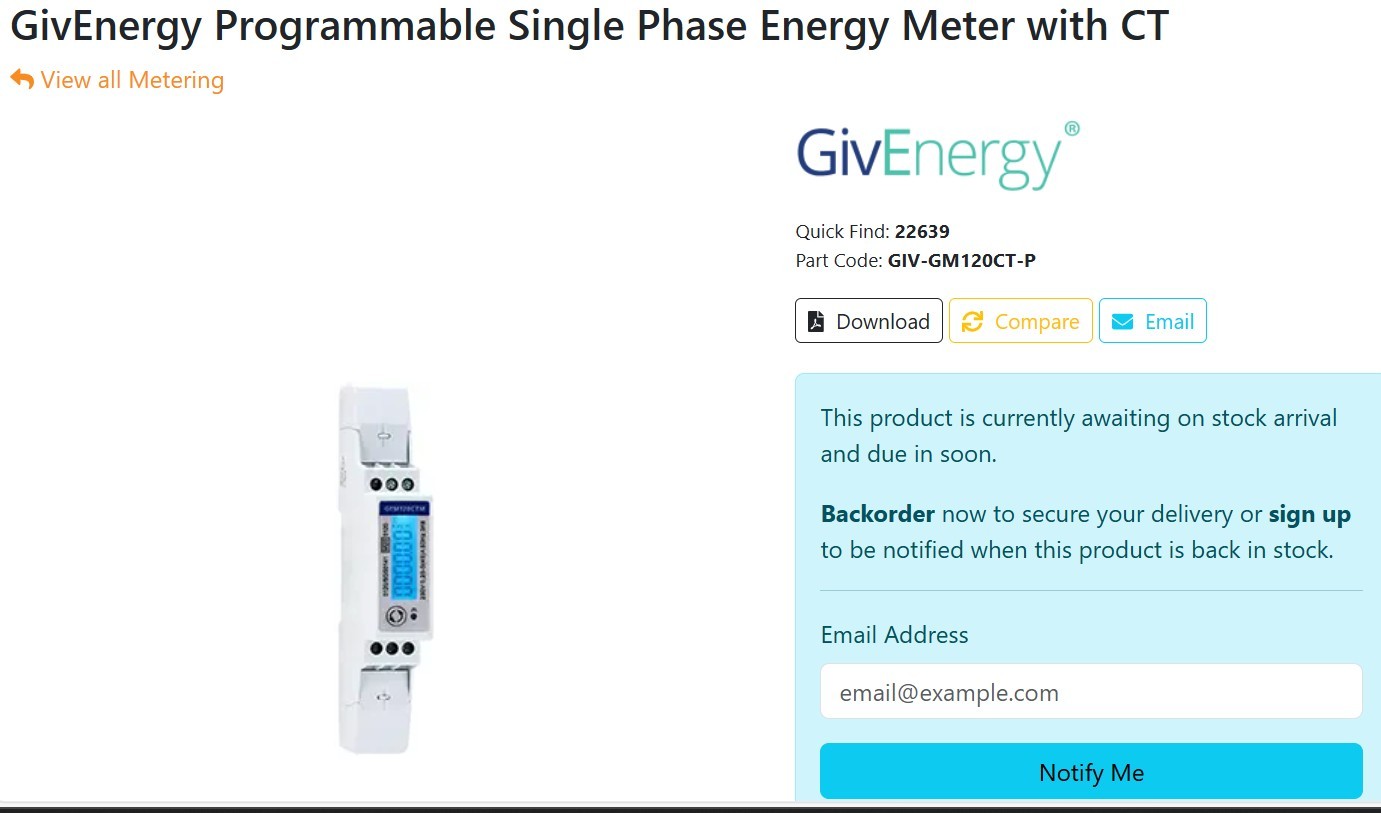
Is your EM115 meter powered on - glowing green
Is the inverter online and connected to the web - can you see your web portal
Is ECO on. Go to Remote Control. Turn it off and save it. Turn back on and save it again.
Do any of the control d functions work on the phone app?

You may have to turn everything off and let battery and inverter PCBs drain, (about 30 seconds) and then turn back on. This should reboot inverter and battery,
DC isolators to PV strings - not much sun i know, but better safe than sorry
Turn 9.5 batteries off. Black button high on RHS. Hold and wait for beep
DC breakers on LHS of batteries
Consumer unit MCB feeding inverter
Any other DC breakers between batteries and inverter

I
#3 IanF

The breakers all seem to be on
The inverter is online, portal & SE app connected
Not sure what an EM115 is, I have an EM19 (on) & EML23 but that has a red light

I
#4 IanF

IanF The inverter arrows are all on except grid

S
#5 SteveCook

The EM115 or whatever device you have tells the inverter about grid import and export and needs to be on and connected to the inverter, so the inverter knows what to do

S
#6 SteveCook

Have you tried forcing a charge using the GivEnergy phone app?
Are you sure there are no more breakers/isolators between the incoming grid and your inverter? Flick them off and back on again to make sure they are latched in

I
#7 IanF

I've switched the 2 breakers (1 by the consumer unit, 1 by the inverter) off & on a couple of times. The 1 by the CU turns off the EML23 & back on with red light.
When you say forced charge, is that using 1 of the timed slots?

I
#8 IanF

Sorry, found the charge now option. When I try that the app resets after a few seconds, no charging seem to occur

S
#9 SteveCook

Sorry. Other than my suggestion of turning off inverter and battery off and letting everything discharge for 30s or so and then turning back on to get a full reboot, I have no more ideas.
Any notifications coming up on the portal?
What firmware are you on

I posted this other forum last week (as I dont think anyone from GivEnergy reads this forum) and the Dragon jumped on it and had updated my firmware within 2 hours.
https://community-beta.givenergy.cloud/latest

I
#10 IanF

I have no recent notifications other than a time sync I tried. In fact the portal & GE app show nothing untoward.
The only thing I can find is in Rubikcube's monitor app that shows the grid as 'Outage'

Inverter firmware D0.316-A0.316 which I updated to in December (2025-12-01 11:04:52) . The portal doesn't seem to offer me an update.

Thanks for your help, hopefully someone will have an idea

R
#11 Rubikcube

OUTAGE indicates that the system is not connected to grid power. Look for circuit breakers like these and check they are on. (Red is ON).

I
#12 IanF

The only ones like this that I can find are on the right hand end of the consumer unit (both on)

S
#13 SteveCook

IanF As I said in post 5 are you sure there are no other breakers/isolators feeding grid to the inverter.
Flick them off and back on to make sure they are latched

I
#14 IanF

Yes, I've traced the cabling round & there are just 2, 1 next to the consumer unit, 1 next to the inverter. I've turned them off and on 3 times now, although I haven't tried turning both off & then both on (shouldn't make any difference though).

C
#15 CW

Just posting this link in case this could be a resolution

S
#16 SteveCook

@"CW"#/p88580
What link?

I
#17 IanF

The 1 on the word 'link'

S
#18 SteveCook

IanF
sorry

I
#19 IanF

It turns out that the A/C connections were all fine but the inverter was in a confused state(the power had gone up & down 3-4 times in about 20 minutes).
GivEnergy (The Dragon) rebooted it remotely & all is back working.

S
#20 SteveCook

SteveCook You may have to turn everything off and let battery and inverter PCBs drain, (about 30 seconds) and then turn back on. This should reboot inverter and battery,

Post #2