Gen 3 Inverter - Cannot Connect

17 comments started 2026-07-26 last 2026-07-29
GivEnergy ProductsHybrid
W
#1 wellsa27

Hello!

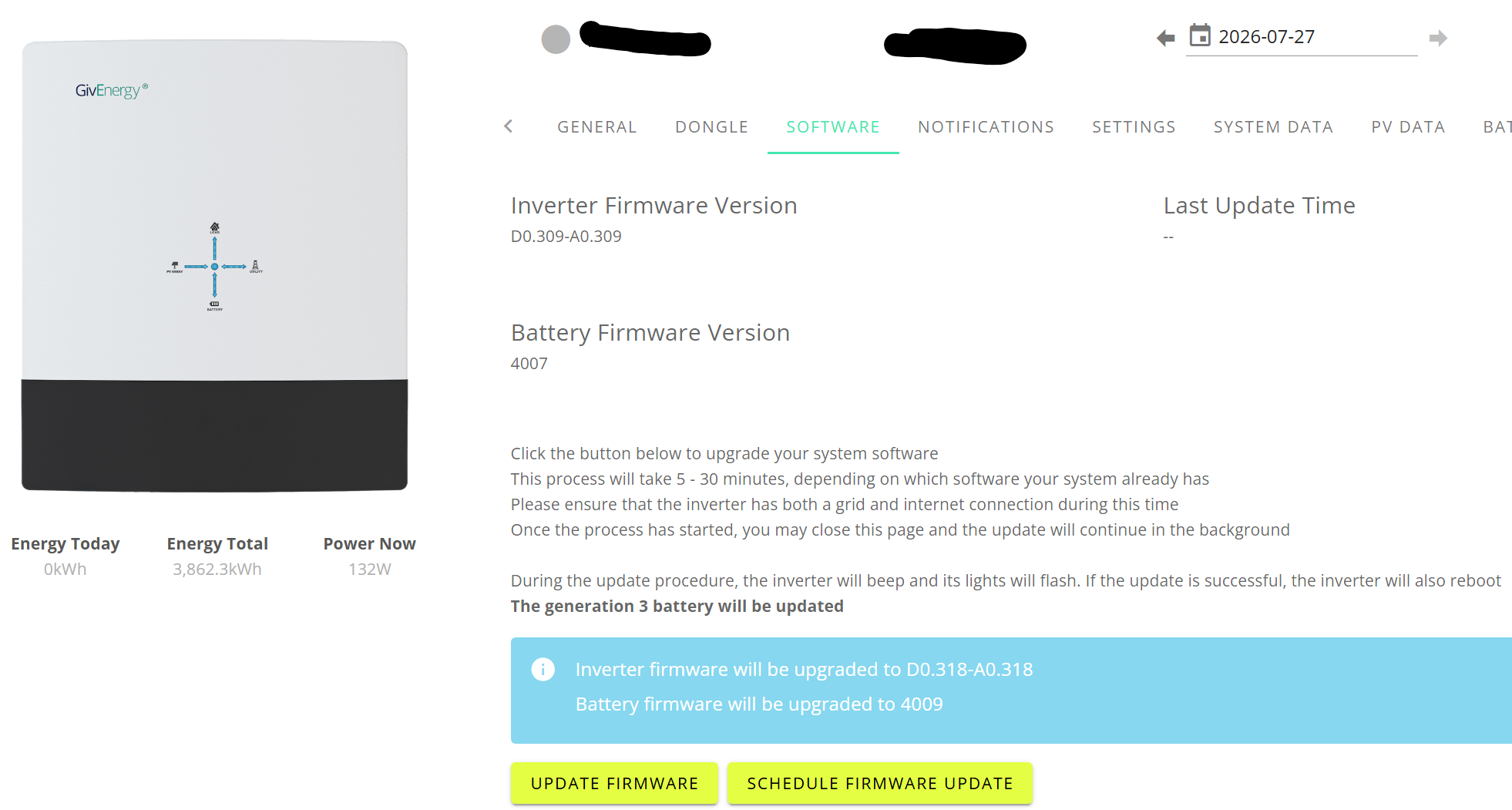
I purchased a property back in March 2006 that came with a complete PV system, including a Givenergy Inverter (gen 3) and battery. It's taken a while but the account is now in my name, and I can login to the dashboard. However, I just cannot connect directly via Wi-Fi, so the firmware is outdated and I have no data being read on either the app or online portal.

I've followed online videos from Givenergy on YouTube and reset the inverter so that the Wi-Fi has no padlock, and then proceed to follow the instructions on the Givinstaller app, but it's not connecting to the inverter. Essentially it's saying there is no device available.

I have no idea what's going wrong, and feel a bit frustrated to say the least.

Any ideas of maybe what I'm doing wrong, or not all?

S
#2 SteveCook

Try downloading the free Android Inverter Monitor app onto your phone and at least you might be able to see if the inverter is connecting to your network.
Have you got a premium GivEnergy account. You can get a free account if you sign for Axle VP. They will take control of your system for a a few managed sessions per month (generally 1 hour), and they pay £1 per kwhr export and guarantee to pay you a minimum of £10/month

W
#3 wellsa27

Thanks for the tip.

I've downloaded and even checked my router IP addresses, and nothing looks remotely similar to an inverter. I do have premium, so at least that is being used.

My main concern is I cannot do anything myself, and the firmware is out of date.

It shouldn't be this difficult to connect a device. It's like it cannot see anything.

W
#4 wellsa27

Another thing whilst I remember. I tried to connect to the inverter via my mobile, and access 10.10.100.254. The connection drops before I can try and put the username and password in.

It connects, drops, connects and drops....

#5 Maxwell

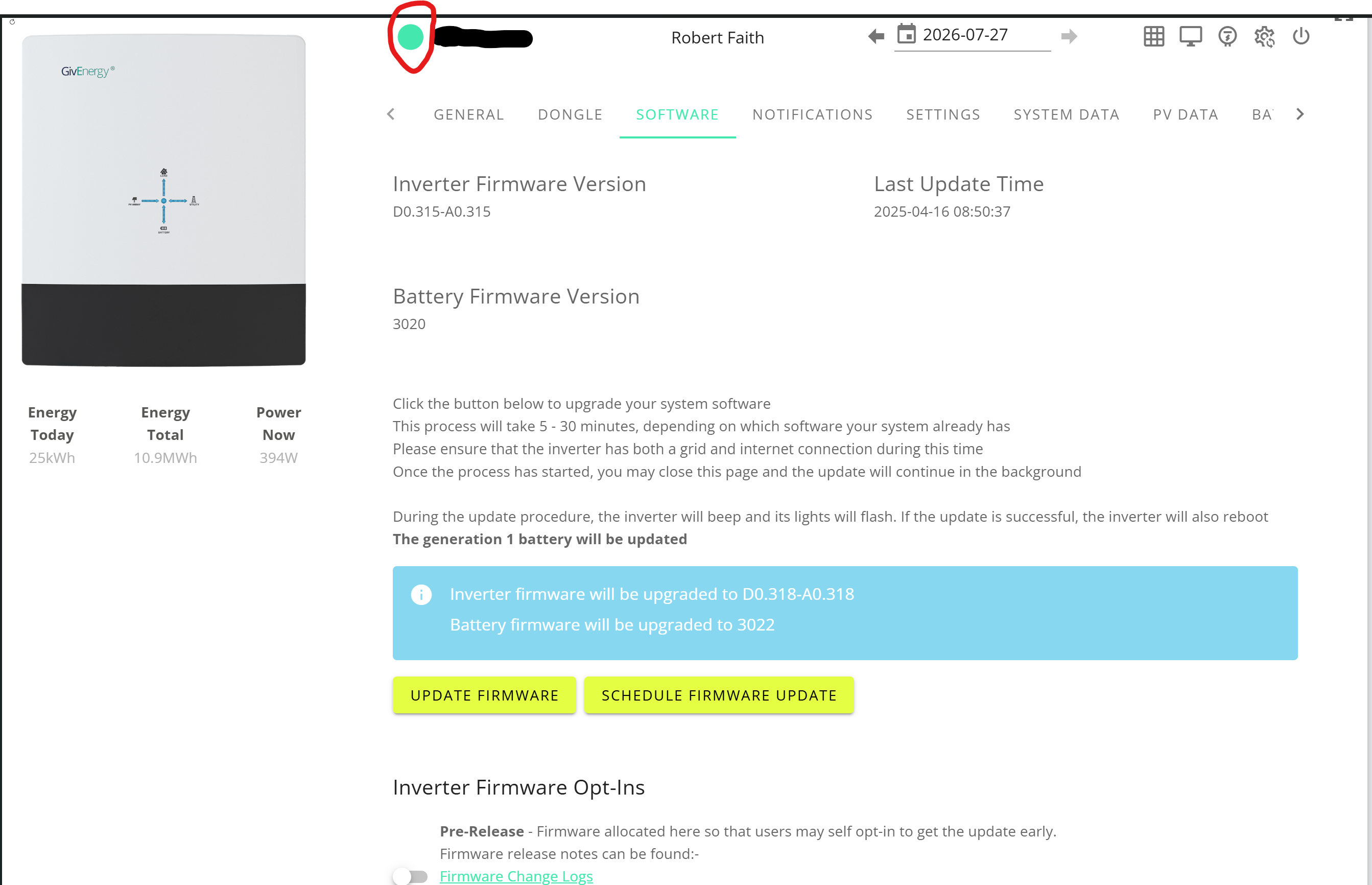
wellsa27 You say you are "using" premium. If you are using it then that implies your inverter is visible in the portal. If it is then your inverter is connected to your network as it is sending data to the cloud. If you look at the inverter tab in the cloud and the circle is green like in the image below then your inverter is network connected.
In your router you should appear with a name like HF-21.

W
#6 wellsa27

Maxwell I've got the premium account, but clear it's not connected

W
#8 wellsa27

Maxwell Just to add, I have the inbuilt one, not the one with a dongle attached at the bottom.

That being said, I fail between step 1 and 2. I try to connect to the WHXXXXXX network and it connects, but drops out. It reconnects, then drops out and repeats over and over.

#9 Maxwell

wellsa27 Have you tried re-booting the inverter ? Also, could be a wifi channel interference issue. To test that you could temporarily turn off your house wifi and see if that then gets you passed the dropped connections with the inverter.

S
#10 SteveCook

wellsa27
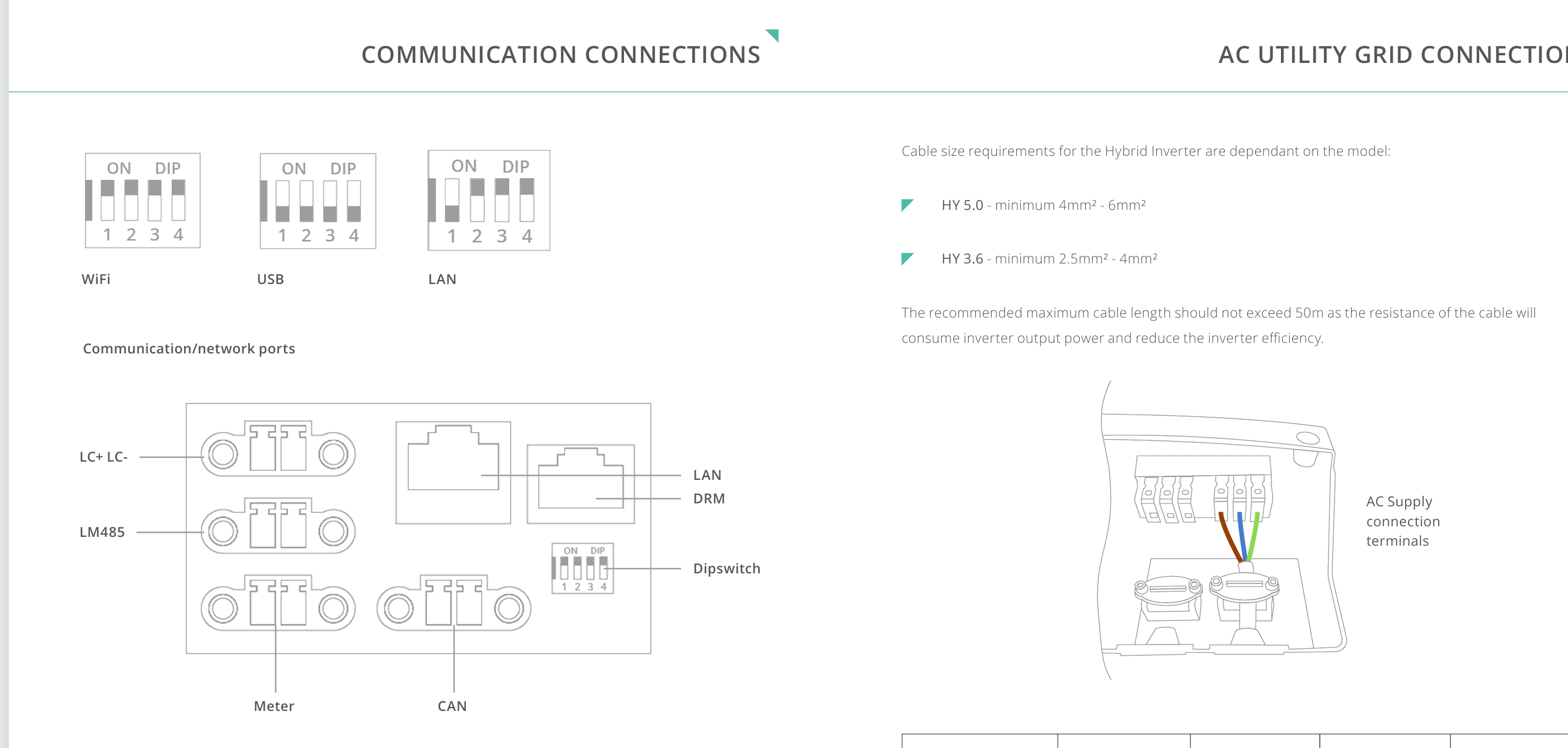
Can you use the LAN port rather than wifi?

W
#11 wellsa27

Maxwell How would I do this?

I can certainly try turning off the wifi and see if that helps, good idea. Thank you

W
#12 wellsa27

SteveCook It's a possibility long term, I could route a connection but would need some work to route.

V
#13 Vestas

wellsa27 That being said, I fail between step 1 and 2. I try to connect to the WHXXXXXX network and it connects, but drops out. It reconnects, then drops out and repeats over and over.

That'll be the iphone/android settings where it'll select a SSID with internet access over one without.

That means in practice you connect to the inverter SSID, phone says "no internet" and switches you back to your home SSID which has internet access. Its annoying to say the least. Edit - the reason the guide works is because it assumes the installer has no access to other local wifi with an internet connection. ie it works by accident rather than design.

Have a look in wifi settings - should be something to prevent it happening.

W
#15 wellsa27

Vestas I assume turning off my home network will work also. Though I have turned off the Intelligent Wi-Fi option so this should stop it trying to connect to the best network.

W
#16 wellsa27

Maxwell Thank you! I will try giving the whole system reset too. I'll give this a go over the next day or so and report back 🙂

V
#17 Vestas

wellsa27 It'd be simpler just to forget the home network on the phone - that way the inverter has a network it can connect to 😉