Help for a newbie with Octopus Agile

9 comments started 2022-12-24 last 2023-04-21
Mobile App
R
#1 Redding43

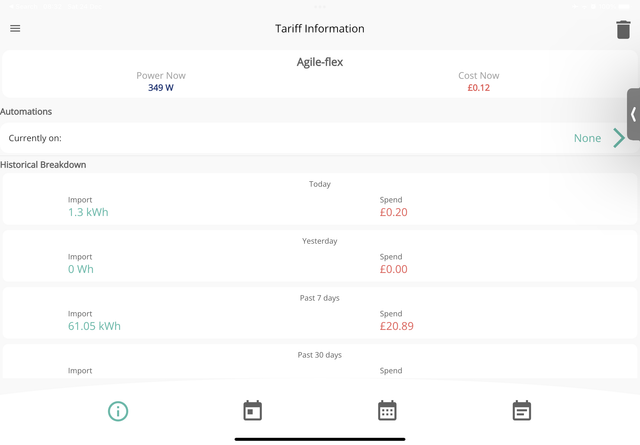
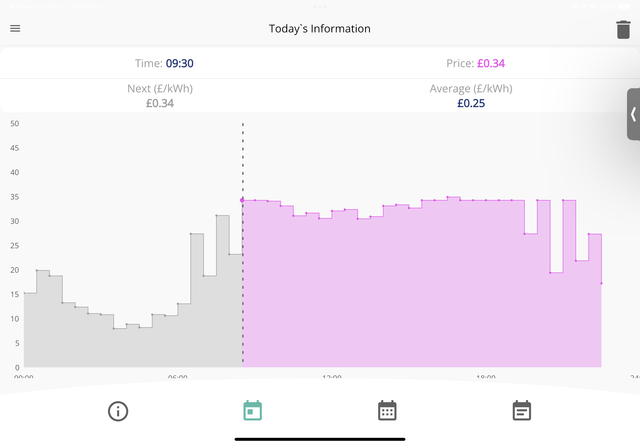
I need some help with the setup of my system. I have panels and a battery fitted this week and yesterday switched to Octopus Agile (Import only while I wait for the paperwork to sort out export connection). My understanding is that it should charge the battery at the cheapest times, most normally early morning. I have linked the Octopus account to the GivEnergy app and can see tariff details but it did not charge the battery this morning even though prices were very low, what am I missing that I need to set up?

I’m looking to start simple at the moment while I learn so any help would be appreciated
https://ibb.co/p1LnNLw

S
#2 SteveCook

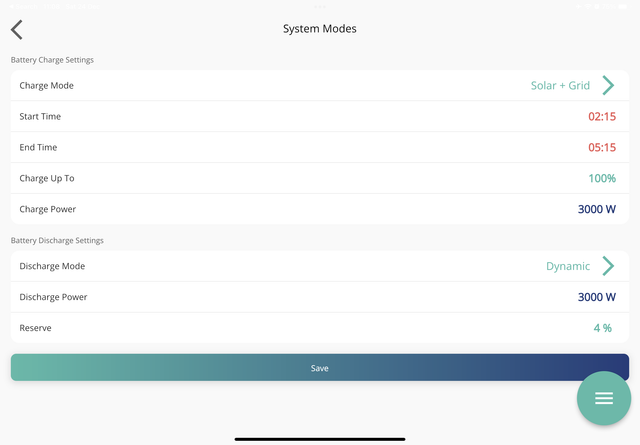
On the GivEnergy dashboard, go to My Inverter (on LHS), go to Settings tab (on top line), go to Timed Charge and set the period that matches the cheapest Octopus hours.

Look at this on the Knowledge Base https://kb.givenergy.cloud/article.php?id=7

R
#3 Redding43

Thanks Steve, I think I have already done that since I posted here although I used the battery settings of the app but I think outcome is the same? (See screenshot if it works)

So based on that I would need to manually change this if I want to make the most of the lowest costs for the day? Though I recognise that very early morning is normally lowest. I had assumed, wrongly I suspect, that linking the tariff to the GivEnergy dashboard/app would mean it would have a level of automation as it knows then the cheapest periods are?


image hosting


R
#5 Redding43

[unknown] thanks, I was hoping the the integration of the smart tariff with the app would allow it, it’s looking not though unless someone comes on and says otherwise.

As for GivTCP, I had a look at that but fear it is way outside my technical capability

T
#7 TX200

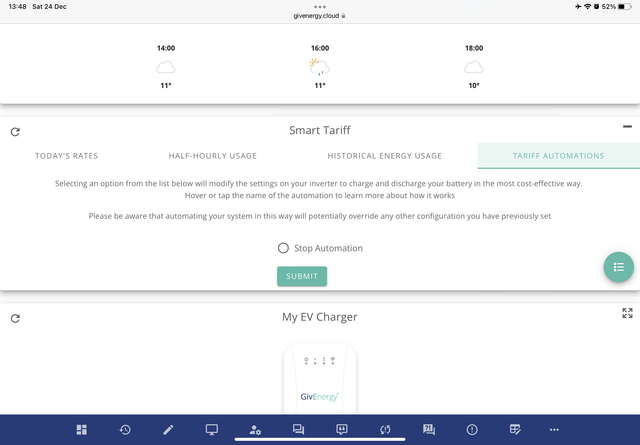
There's four tabs on the tariff card (when viewed in the web portal not the app) if I recall correctly the automation one is the last tab.

It will charge to 100% though, so if you want more granular control, don't enable that - used the GE timed charge option instead.

R
#8 Redding43

[unknown]

[unknown] on the GE Cloud portal? Will take a look when I get home.

R
#9 Redding43

TX200

Maybe that has hit on the problem, on the cloud portal and on the app there is nothing under Automations. Only option to stop automations. See screenshot below as it looks exactly the same on the Cloud Portal and App

S
#10 Stocko

Sorry to drag up an old post. Did you get sorted and working?
I’ve just configured the GE app automations to standalone battery eco mode. However I am not sure what’s the correct settings in apply in settings, do I chose Solar and grid? And if so what time period, given I’ve just configured automation to handle that!